Show people what to check
When software does someone’s work, the job is surfacing what’s valuable to them, without forcing them into redundant work.
On this page
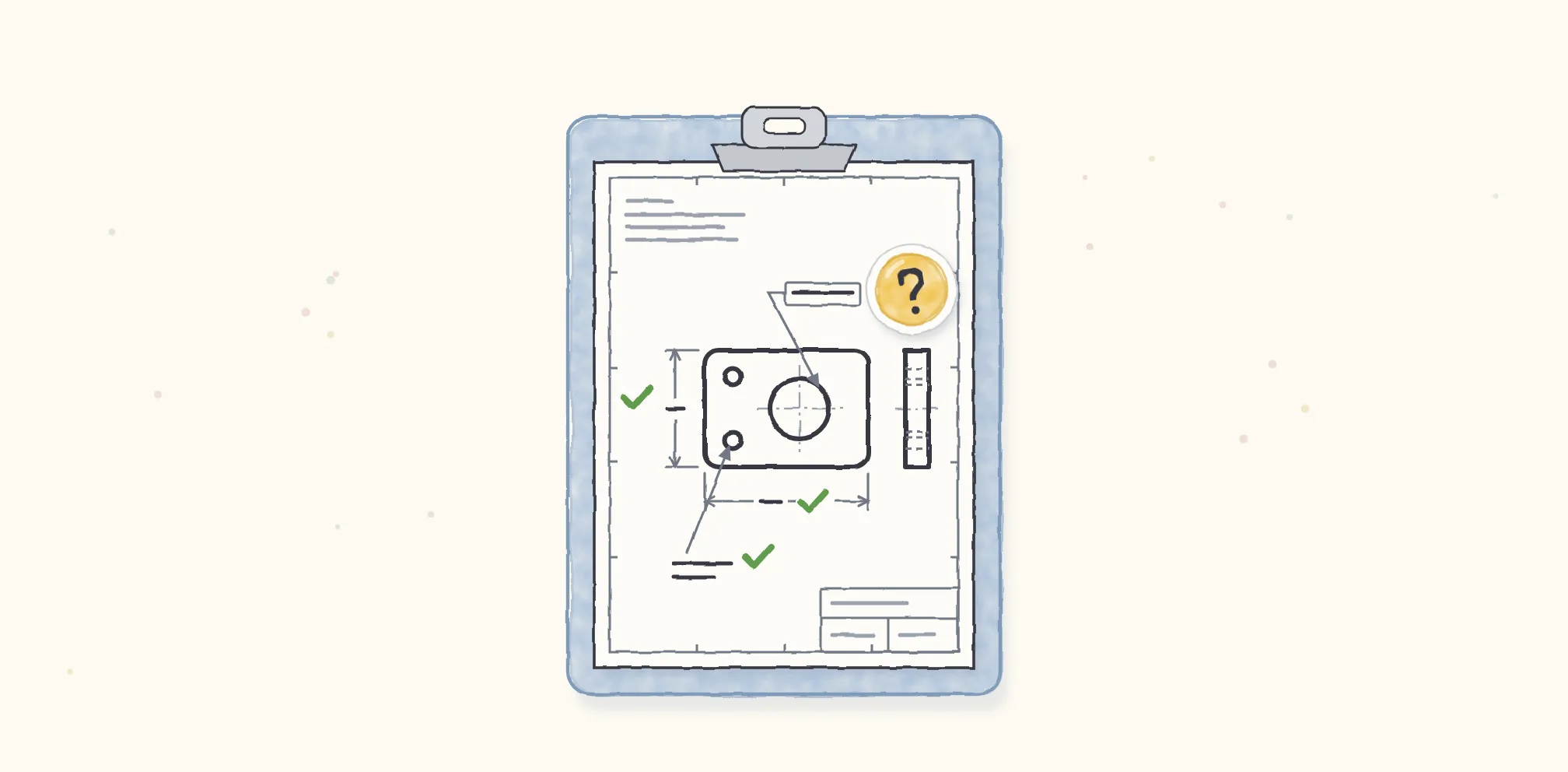
A drawing is the contract between the designer and the manufacturer. At Drafter, we help mechanical engineers get from design to manufacturing with confidence. That means balancing cost with lead time, and the drawing is at the core of it. When software makes that contract, how much the engineer trusts it matters a great deal.
Trusting it too much
Too much trust can be deeply costly with manufactured parts. With our first customer, an engineer took our drawing straight out of the gate. In principle, that’s great, because it means we did a good job. It isn’t always a good outcome, though. We might have over-constrained the part and made it more expensive to make.
What we changed first was making sure design intent is always communicated. Then we layered more on top of it.
Saying where we might be wrong
We made a deliberate decision to surface the places where we’ve made assumptions, or where we know we’ve done a bad job, instead of acting overconfident. We set up benchmarks for what counts as a good output. That’s why Drafter marks each part ready, needs review, or failed.
We considered alternatives. They failed in one of two ways. Some asked the engineer for too much input, when what we needed was a little precise input to do a better job. Others were overconfident. Sorting every part into distinct bins handled both.
We also built a suggested workflow for reviewing every drawing Drafter makes, so it’s never a blind export. There should be no static output that isn’t controlled, or controllable, by the engineer. You can see the statuses in the demo at the top of the Drafter case study.
Where to draw the line
We encourage engineers to review everything. What we flag for review is narrower: the places where we’re highly certain we’ve missed something critical, often because we lack context about the assembly the part belongs to. Our benchmarks help there.
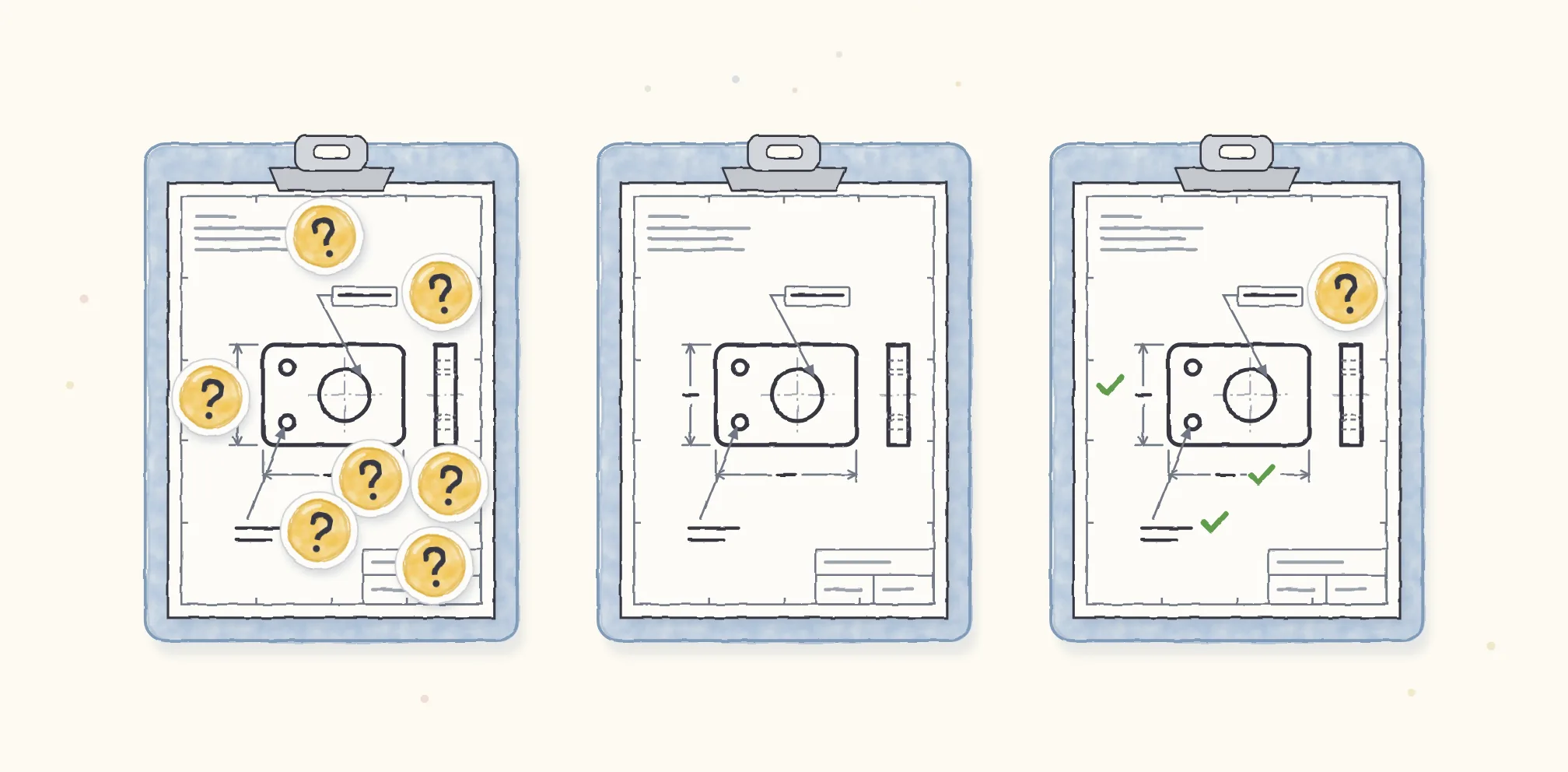
What’s really critical is the line between surfacing information that’s valuable to someone and forcing them to do redundant work. Frankly, it’s a line we’re always adjusting. Our customers show us where it belongs: what their parts cost downstream, and where we did a good or a bad job. That’s how we keep refining the benchmarks.
The right amount of trust
How much should people trust software that does their work? I think the right amount is different for every person, and for every business.
So at the org level, Drafter has permissions that allow different amounts of control. Claude Code has an auto setting, and the same idea applies. One company might not want auto at all. Another might just not want it as the default.
When AI makes the call
Some of this we understand well. Some of it keeps changing as models improve. When a model gets better, the benchmarks you set when it was weaker need another look. It’s a constant reevaluation: you have to look at how the improvement affects those benchmarks. Frankly, testing becomes critical.
When AI is making the call, we need a firm understanding of what the user does or doesn’t want within their control. They should have a very clear picture of what they need to review.
The things they’re unaware of matter just as much. In our product, there can be huge cost drivers an engineer doesn’t know about. If they make a deliberate change, it’s worth showing them what that change implies. So the product has to communicate, surfacing areas of potential risk. With rules-based software, those areas can be black and white. With an agent, you have to be much more thoughtful about where the benchmarks sit.
Whether an agent should stop to ask or keep going and flag its work depends on what a mistake would cost. Either way, the engineer should be able to see everything the agent has done and undo whatever they want.
Start with how people already work
If a designer were starting on a product like this tomorrow, I’d tell them to lead with a deep understanding of how people actually work. Companies already have a lot of process. It’s easy to say, “Let’s rip it all down.” You have to start from empathy, and understand why all of it exists.
It’s taken me time to really respect the process that exists. When you do, you can still hold on to the vision of making the job easier. You also handle the nuance much better: where the real opportunity is to help.